



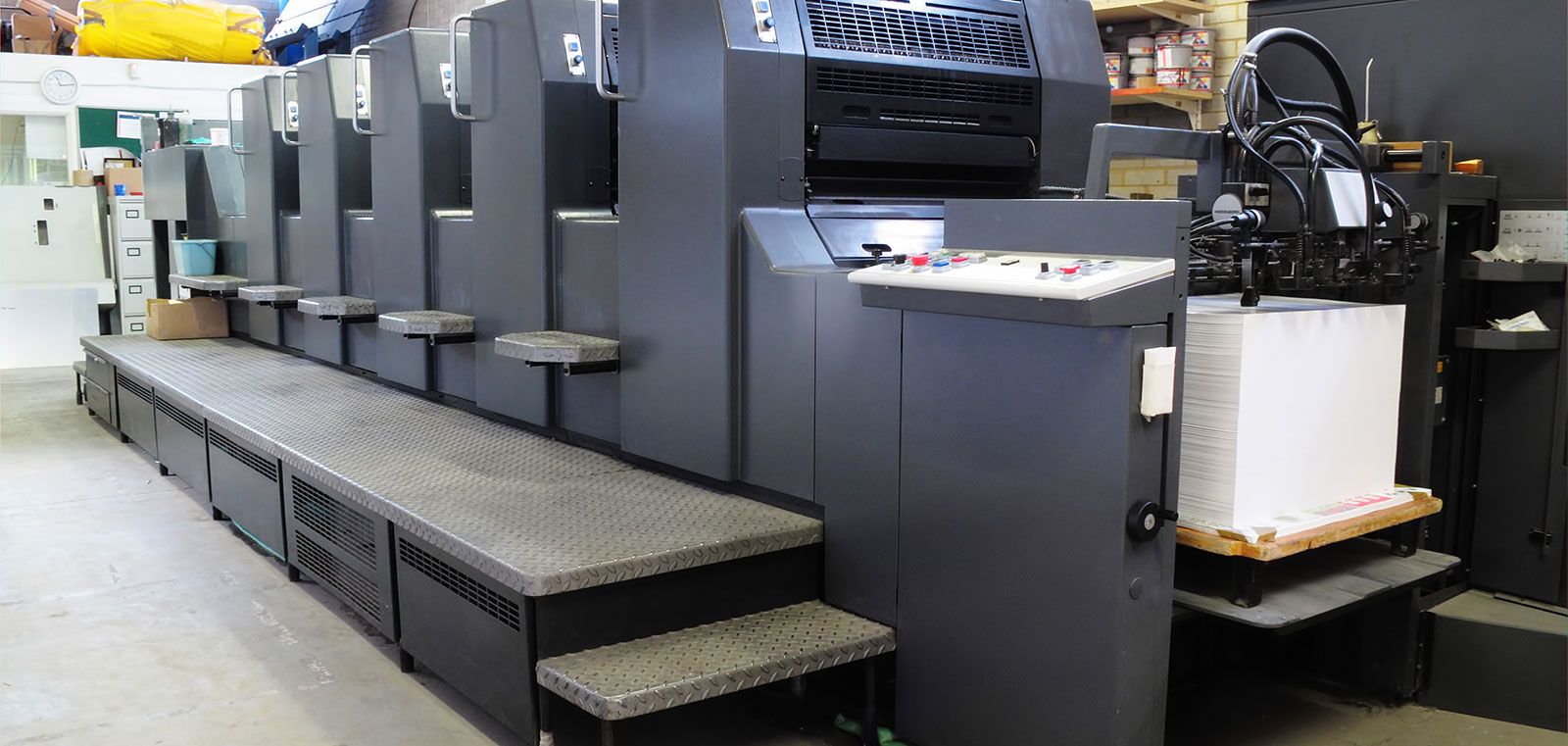
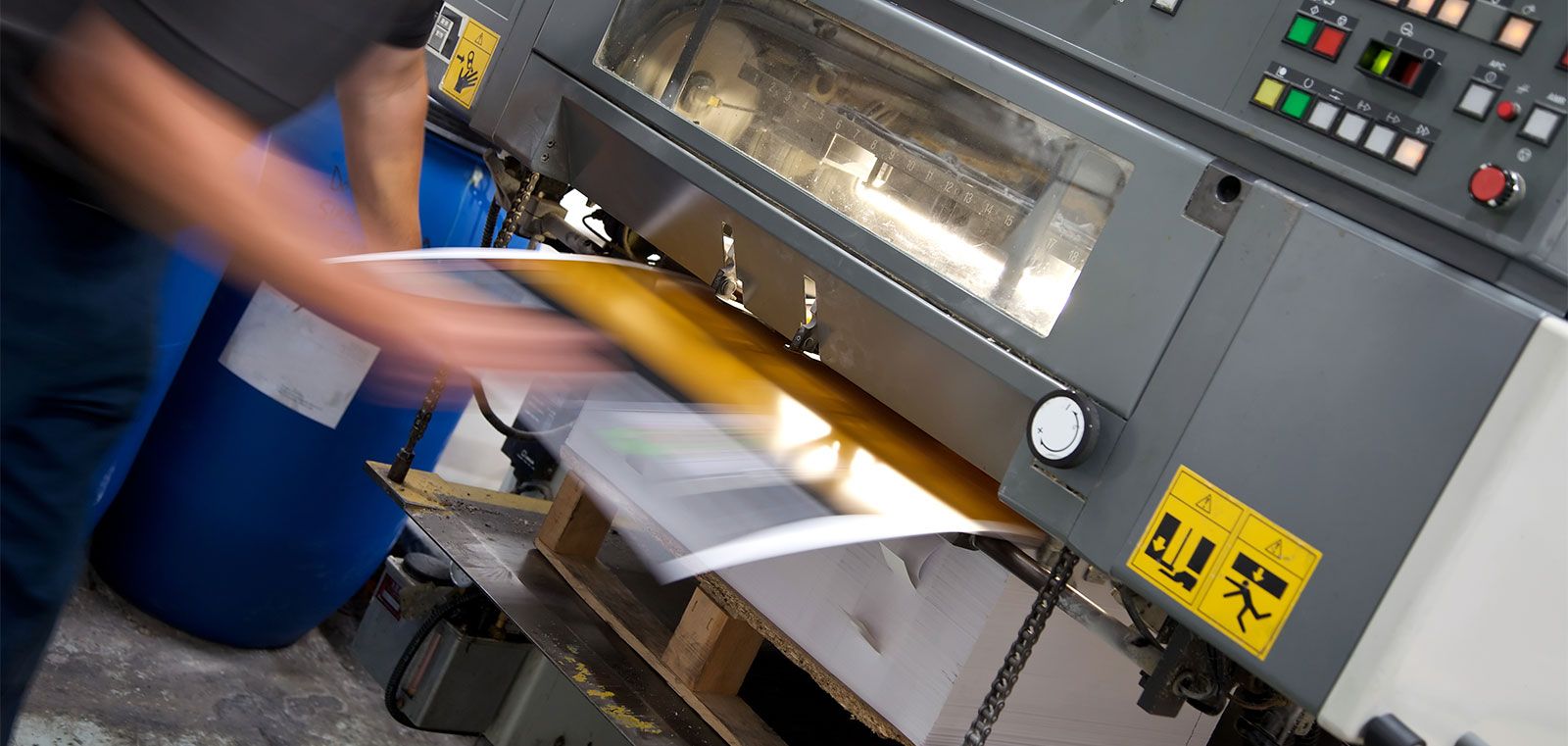




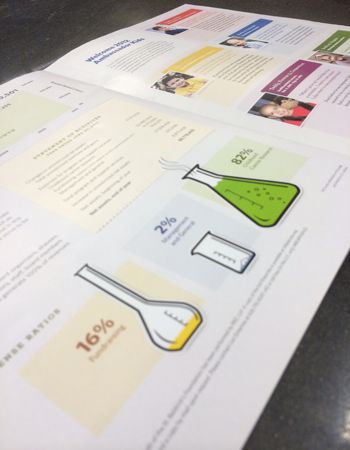


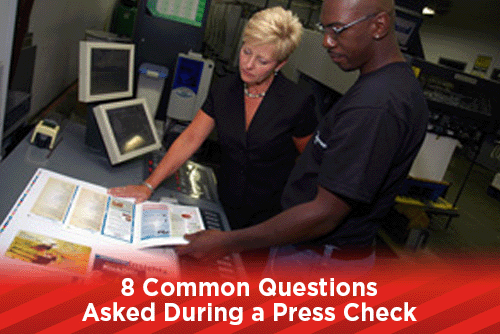
A press check is the production of a press sheet for you to approve and sign off on before the entire job is printed. To set up for a press check, plates are created, loaded into the press and registered to each other; ink is brought up to density and final press sheets are printed. Once the pressman has everything ready to run, the client will be brought into the press room to look over the press sheet and make adjustments if needed. Press checks are usually requested when color accuracy is important for projects like art prints, magazines or brochures. Here are a few common questions that we have been asked by clients doing a press check.
How long does a press check take?
Press checks should not be an all day affair, unless you are checking on multiple signatures of a book or magazine. A good pressman will have everything set up and the colors up to where they need to be before you are even brought out to the press. Depending on how much you want to adjust the colors on the press to get what you are looking for, the time of your press check should take no longer than 30 minutes.
Can I still make changes on a press check?
Yes you can make changes when you are doing a press check, but it will be expensive. There are some changes that can be made on the press, like making the colors richer, or pulling the red (magenta) or blue (cyan) out of a certain area on the sheet, but any type or large color adjustment will require getting prepress involved and making new plates. These types of changes will also make the press sit idle while the pressman waits for the new plates to come out before they can continue working, slowing down production. It is best to have major corrections like that completed before scheduling your press check.
What changes can I make on the press?
Overall color and individual process colors can be added to or reduced on the press. If you have an image that looks a little flat, the colors can be enhanced slightly to make it brighter. One thing to remember when adjusting colors on a press check is that the colors can only be adjusted vertically and not horizontally. Ink is controlled on the press in zones which run up and down. When you adjust a color in one zone, anything within that same zone will also be adjusted. You can not choose spot areas on the sheet to adjust. It is possible to change the overall density of a color on the press. If your job is printing too red or blue, you can take the red or blue out over the entire sheet.
If you have one particular image that needs to be adjusted and it sits over another image that will be adjusted too much with modifications on the press, the job will need to go back the to prepress department. Keep in mind that the entire job may not need to be replated, only the signature the affected image is on. You might even get lucky if you find a typo when doing a press check and the change will only affect the black plate. There will still be a charge for the new plate and down time for the press, but you won't have to pay to reprint the entire job.
Why does the color look so different on uncoated paper than the proof?
Most color proofs are printed on a white coated paper. This coating keeps the ink of the proof from soaking into the paper. Once your job is on the press and printing on an uncoated sheet, the colors will change and get darker as the ink soaks into the paper. When a job is printing on an uncoated paper, the plates will be created using an uncoated curve. This is a set of instructions that tells the plating machine to compensate for the porousness of the paper by reducing the % of the halftones. If you have a 50% dot and you have a dot gain of 10%, then the uncoated curve will reduce the areas that have a 50% dot to 40% automatically.
Why does the color look different once it dries?
Some colors, like reflex blue, will look different when they dry. Reflex blue tends to turn more red as it dries. If you are concerned with how the color will dry, ask to see a sample of something printed with the same colors, as you probably won't be at the press check long enough to see the final sheet dry.
Why doesn't the PMS color look like it does in the Pantone Book?
Unless you are printing a PMS color as a spot color, it will be converted to a process color. Process colors are built out of different percentages of CMYK (cyan, magenta, yellow and black). PMS colors are mixed from different colors and have a wider range of color than what you can achieve from CMYK. Many Pantone colors will convert to CMYK and are pretty close in color, but there are a few that look very different. Metallic and neon colors can never be reproduced in CMYK.
How long will my job take to print?
The answer varies depending on the quantity of your job. Most large multi color presses can run at speeds up to 10,000-13,000 impressions an hour. Add multiple signatures to a job and it will add more time to the run. Plus, the press is only one part of your finished job. After the job is printed, it needs to go to bindery for cutting, folding and stitching if necessary. Each job is unique and printing times vary greatly.
What is up with that smell?
Pressrooms are smelly! Between the lacquer smell of printing inks and the pungent odor of blanket wash, entering a pressroom is an assault on your nose. Many clients who come in for a press check ask this question. The boss will say it smells like money, but most pressmen will reply with "what smell?" as we honestly can not smell it anymore.
What to look for during a press check:
Color Consistency. If you are doing multiple signatures, check each one to make sure the colors are consistent to previous signatures.
Spot Colors. Check PMS colors to a current Pantone Book.
Registration. Make sure that the colors register to each other. You should be able to see a rosette pattern under a loupe on a CMYK print job.
Compare Proofs to the press sheet. Not necessarily for color, but to check that all of the content is on the page.
Look at sheet for pinholes or broken text. Presses get dust and paper fibers in them that can stick to the plate causing pinholes and hickeys.
Weight, if piece is to be mailed. This is the last chance before printing to make sure your postage won't be different.
Correct Paper. Double check to make sure the correct paper was pulled or shipped and is being printed on.
Color Breaks. On spot color jobs, make sure that the correct colors are in the correct place.
Bleeds. Look at each corner of each page on the press sheet to make sure that enough bleed is used.
Ending Your Press Check
Once you have completed all of the above steps and asked any questions you may have, sign off on a printed press sheet for final approval. Sign a couple of sheets and make sure to take a set of signed off sheets with you when you leave. Having a set of approved press sheets will help you if problems arise after you have left the print shop.
If you have a great relationship with your service provider as well as the pressmen at the shop, your press checks will go much smoother. A great relationship will mean that they understand what you are looking for and adjust the press before you even look at a press proof. This will greatly speed up the production time on your jobs, making both you and the print company happy!
Would you like more helpful print related articles sent to your inbox? Click here to subscribe to our mailing list and receive our bi-weekly article posts every Tuesday and Thursday.
